Zvols
Creating Zvols
Zvols are block storage devices, cannot be mounted and primarily used for iSCSI backing stores. The size and compression used can be set for each individual backing store.
The following steps will show the process of creating a zvol within clustered and non clustered pools.
Note
Zvols can only be created or edited on the node where the service is running.
-
To create a zvol navigate to
ZFS -> Zvolsand clickCREATE ZVOL:
-
Select the
Parent Pooland enter aZvol Nameand set any options required: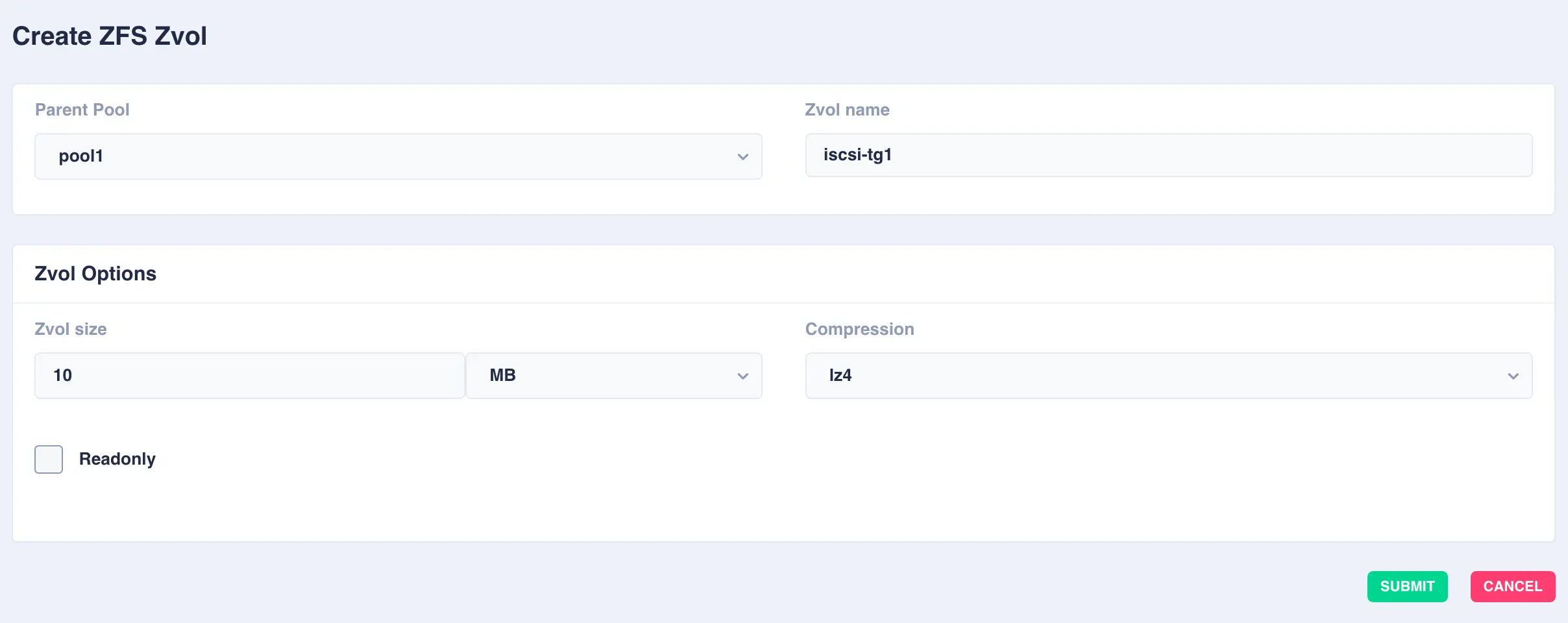
Available options:
OptionDescription Zvol sizeSize of the zvol to create - can be specified in units of KB, MB, GB, TB and PB CompressionEnable compression or select an alternative compression type (lz4/zstd) - on - The current default compression algorithm will be used (does not select a fixed compression type; as new compression algorithms are added to ZFS and enabled on a pool, the default compression algorithm may change).
- off - No compression.
- lz4 - A high-performance compression and decompression algorithm, as well as a moderately higher compression ratio than the older lzjb (the original compression algorithm).
- zstd - Provides both high compression ratios and good performance and is preferable over lz4.
-
Click
SUBMITto create - the Zvol will be created in the selected pool: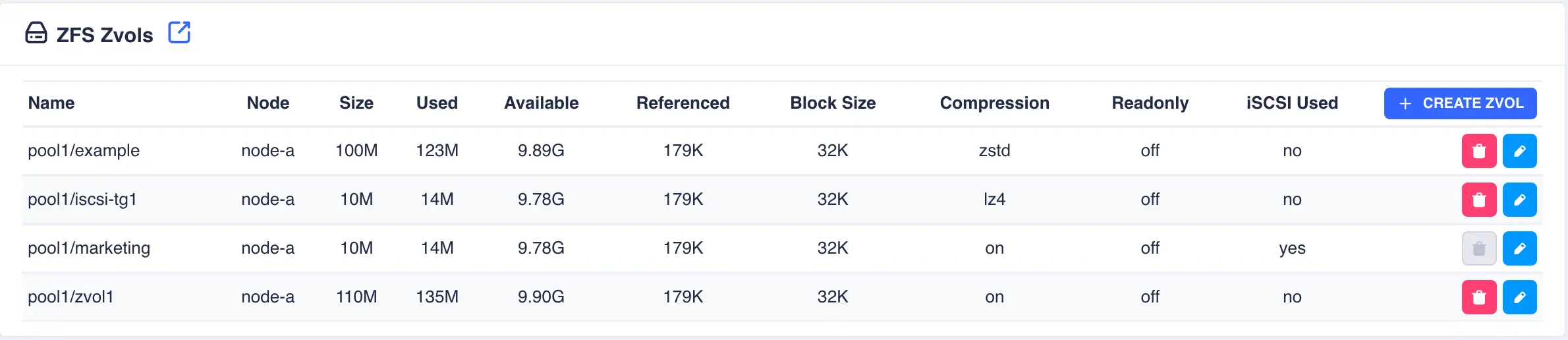
Modifying Zvols
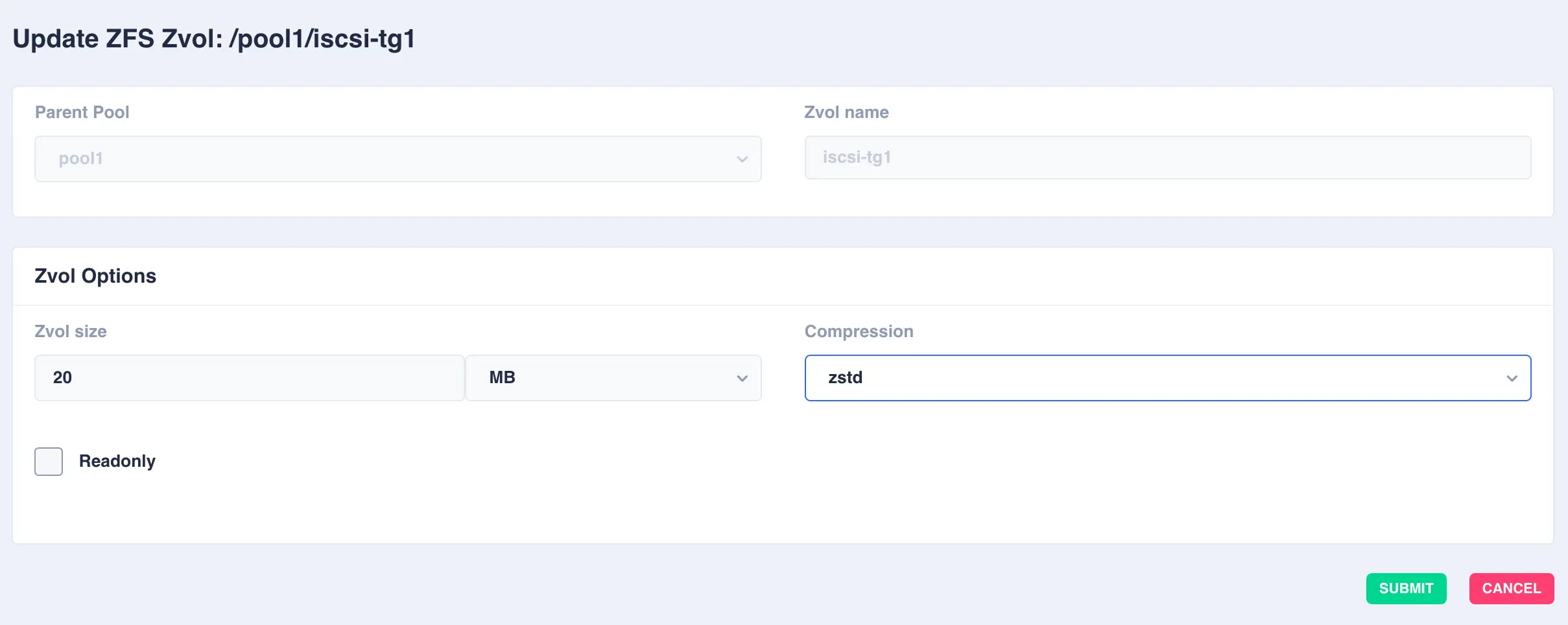
To modify an existing zvol, click the  icon to the right of the zvol:
Deleting Zvols
To delete a zvol, click the  icon to the right of the zvol and confirm
by clicking the
icon to the right of the zvol and confirm
by clicking the REMOVE ZVOL option.
Note
If a Zvol is currently in use as part of an iSCSI share it cannot be deleted, it must be removed from iSCSI sharing first.