WebApp Users
For users with the admin role the page System -> WebApp Users manages WebApp user accounts.
The main page lists the WebApp users under the MANAGE tab. The PROFILE tab provides summary information for the
currently logged in user:
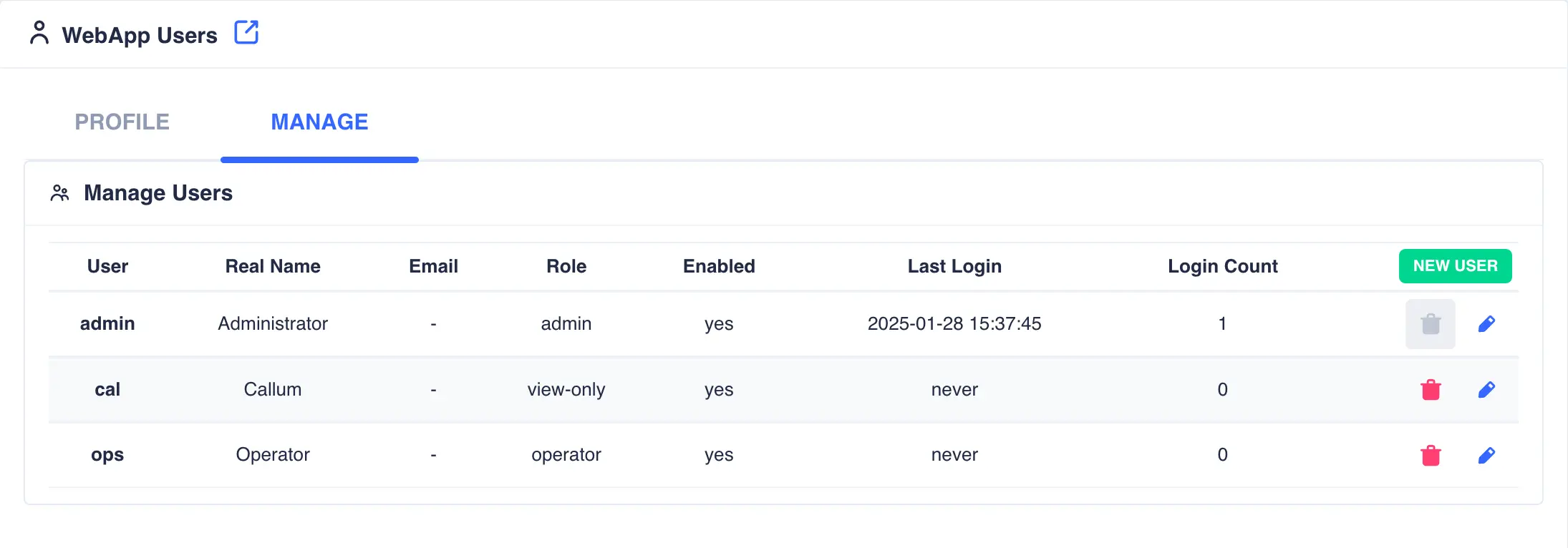
Admin users
There must always be at least one user with the admin role. By default an admin user is added when the cluster is first initialised and can only be removed once additional users with the admin role have been created.
Adding a user
To create a new WebApp user, login as a user with the admin role and click the ADD USER button.
-
Enter the
User Name,Real Name,Passwordand optionally an email address which will be used for alert notifications: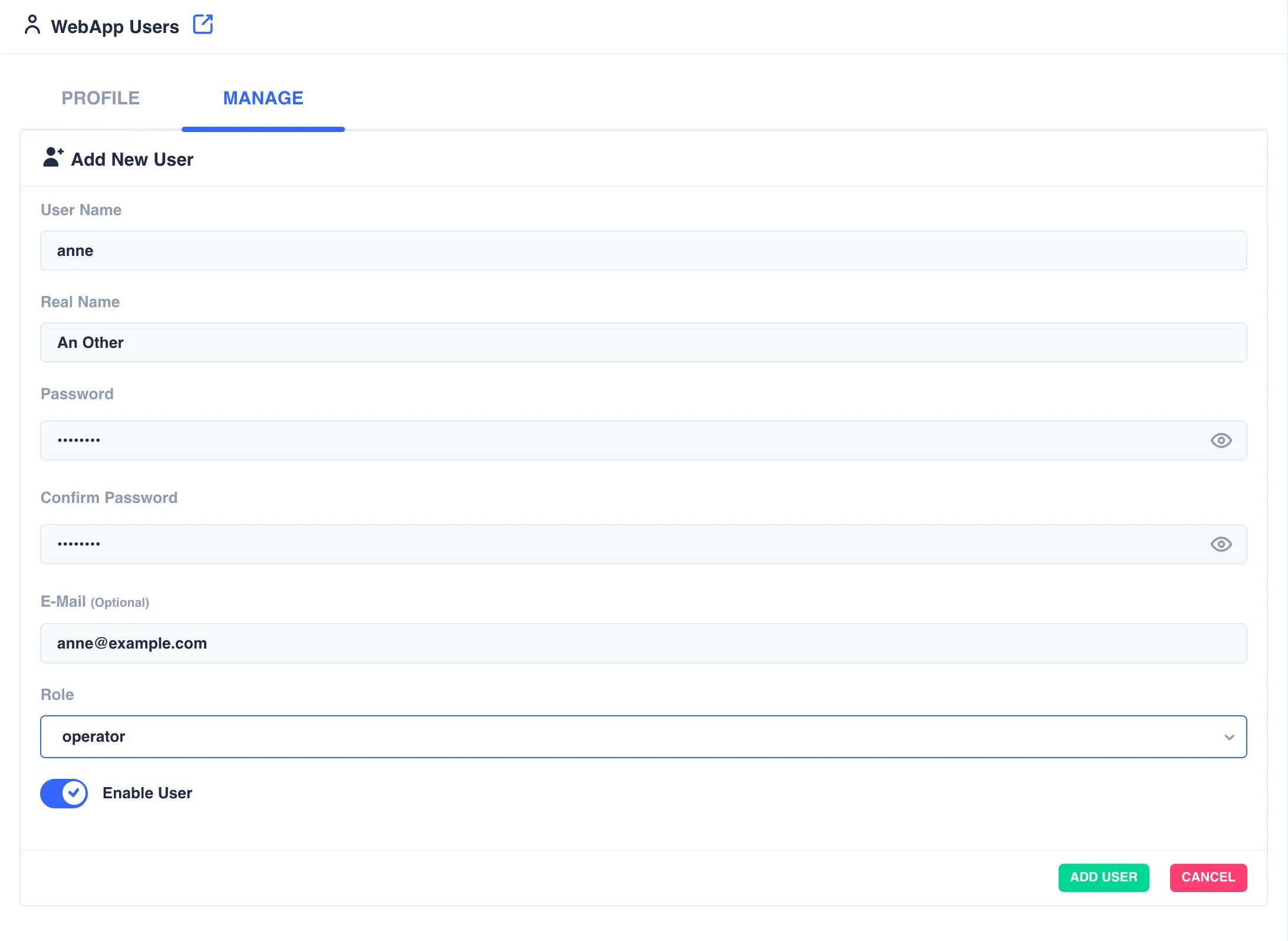
-
Set the role for the user:
Role Description view-onlyUser can only view the status of the cluster, services, heartbeats etc. They will be unable to perform any management operations. operatorUser will be able to manage services in the cluster, stopping, starting, moving etc. They will not be able to delete, create or change services. adminFull control over the cluster with no restrictions. -
Once done click
ADD USER; the new user will be created: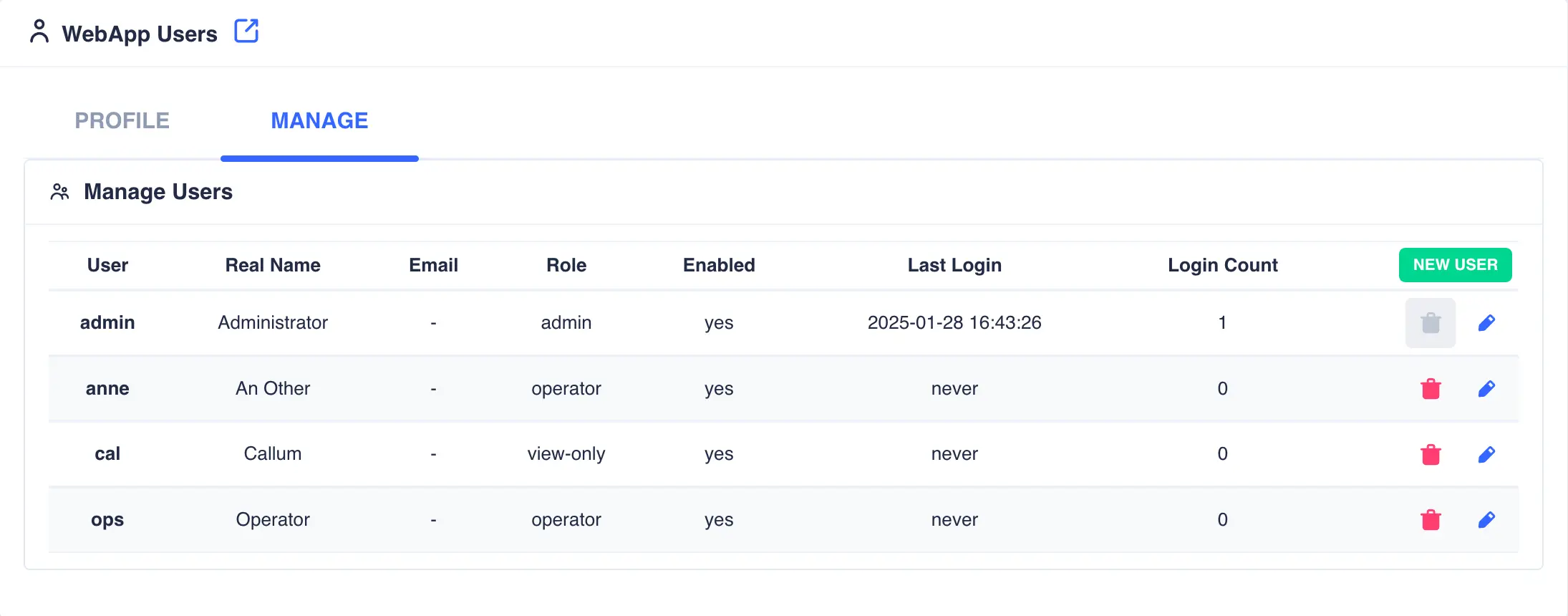
Note
Webapp users are created cluster wide and can login from any node in the cluster.
Modifying Users
To modify a user click the  icon to the right
of the user. The
icon to the right
of the user. The Real Name, Password, E-Mail and Role fields can be modified as required. Login for this user
can also be enabled/disabled by toggling Enable User.
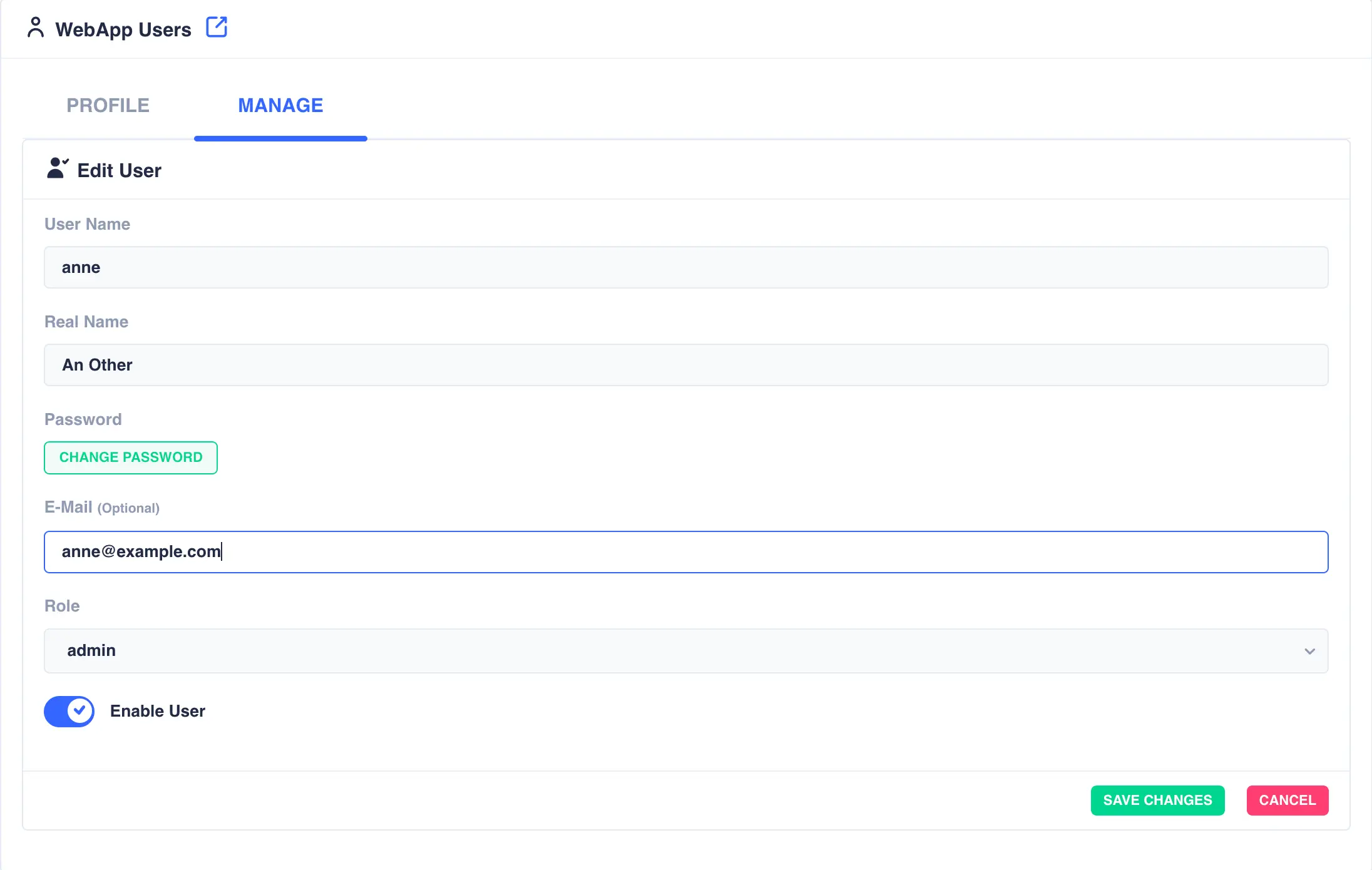
Click SAVE CHANGES when complete.
Deleting Users
To delete a user click the  icon to the
right of the user:
icon to the
right of the user:
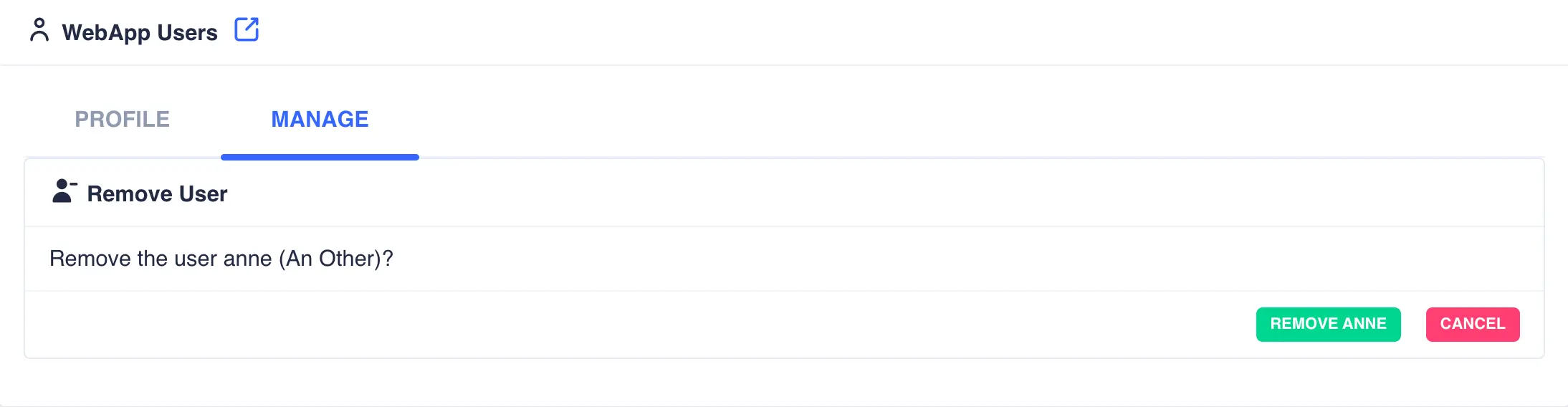
Click the REMOVE USER button to confirm.