Virtual IP's
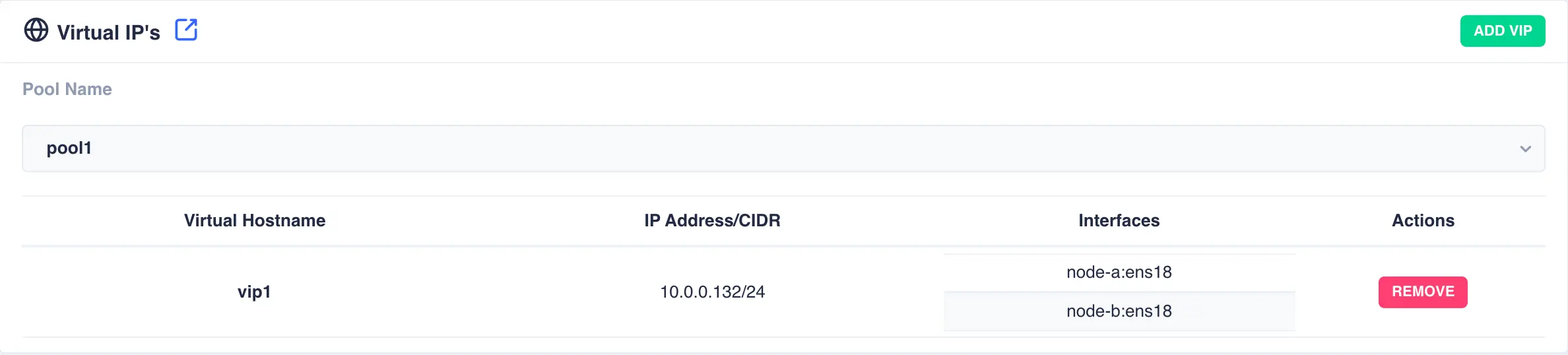
The Virtual IP's page is used to view, add and remove virtual IP addresses in the cluster. Use the drop down pool list to select a service and view its associated addresses:
Adding a Virtual IP
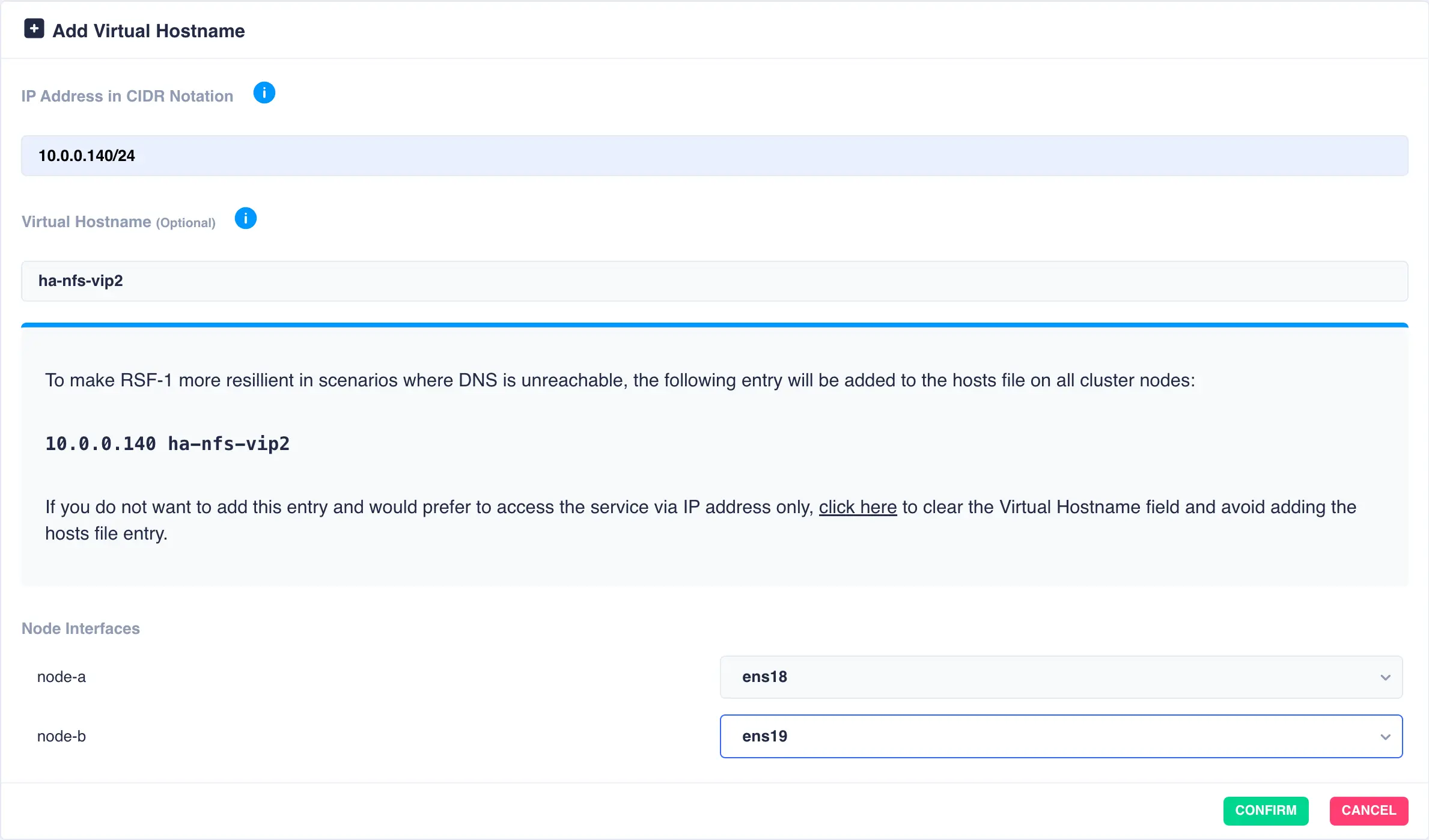
To add a new virtual IP to a service click the ADD VIP button and enter the IP address and optionally a
name. The interfaces on which to plumb in the new virtual IP can be selected from the drop down list:
Note
If required the cluster allows different interfaces to be selected for each node. In the above
example ens18 is the chosen interface for node-a, whilst for node-b the VIP will be plumbed in on
the interface ens19.
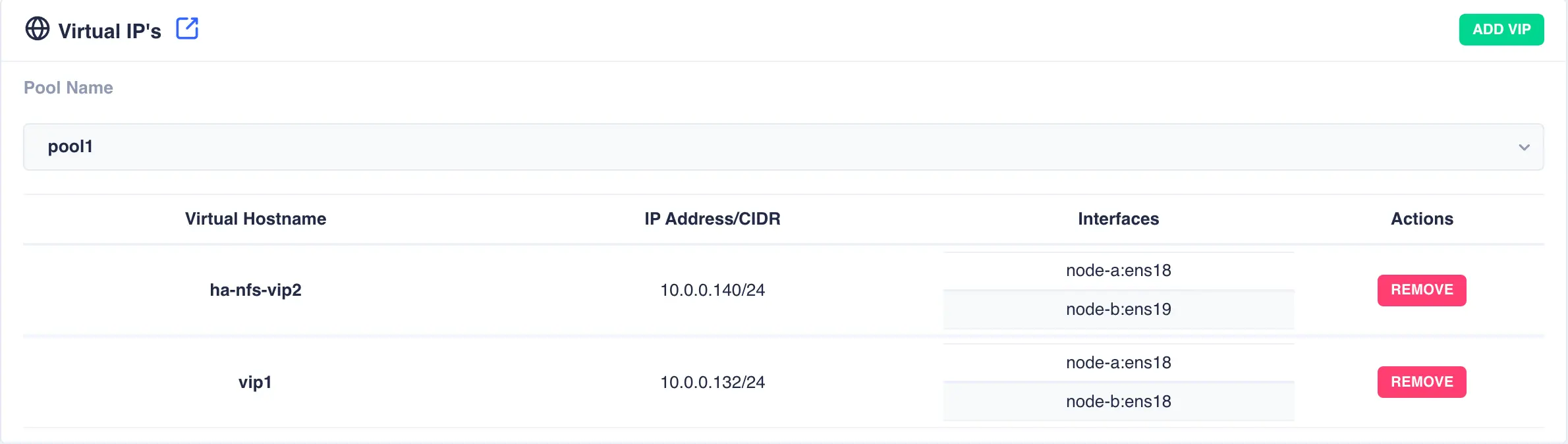
Click the confirm button to add the additional virtual IP:
Removing a Virtual IP
To remove a virtual IP from a service click the REMOVE button associated with the entry to be removed and confirm:
