QS Preparing pools
Preparing Pools to Cluster
Pools must be imported on one of the nodes before they can be
clustered. Check pool import/export status by navigating to ZFS -> Pools from the
side menu:
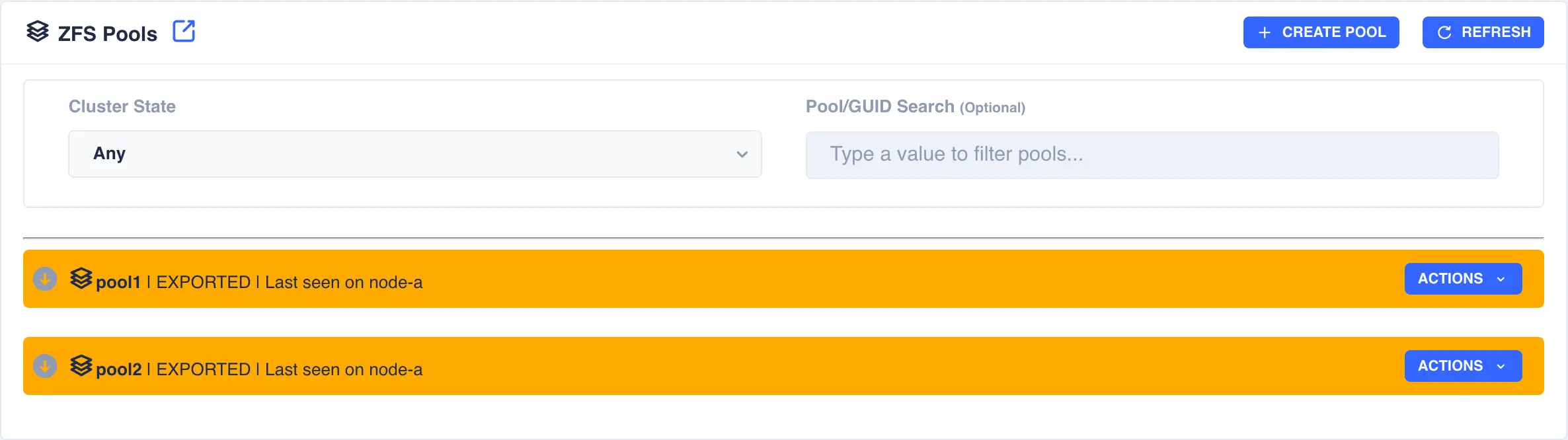
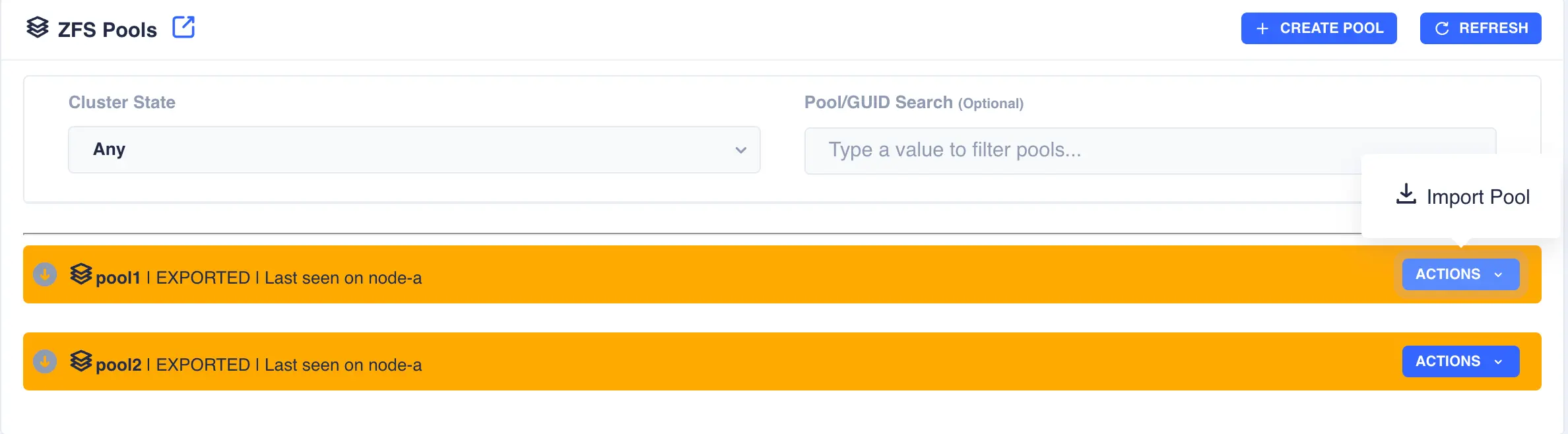
In the above example pool1 and pool2 are both exported. To import pool1, open the pools ACTIONS
menu and select Import Pool (in a shared nothing cluster both pools will be imported on their
respective nodes simultaneously):
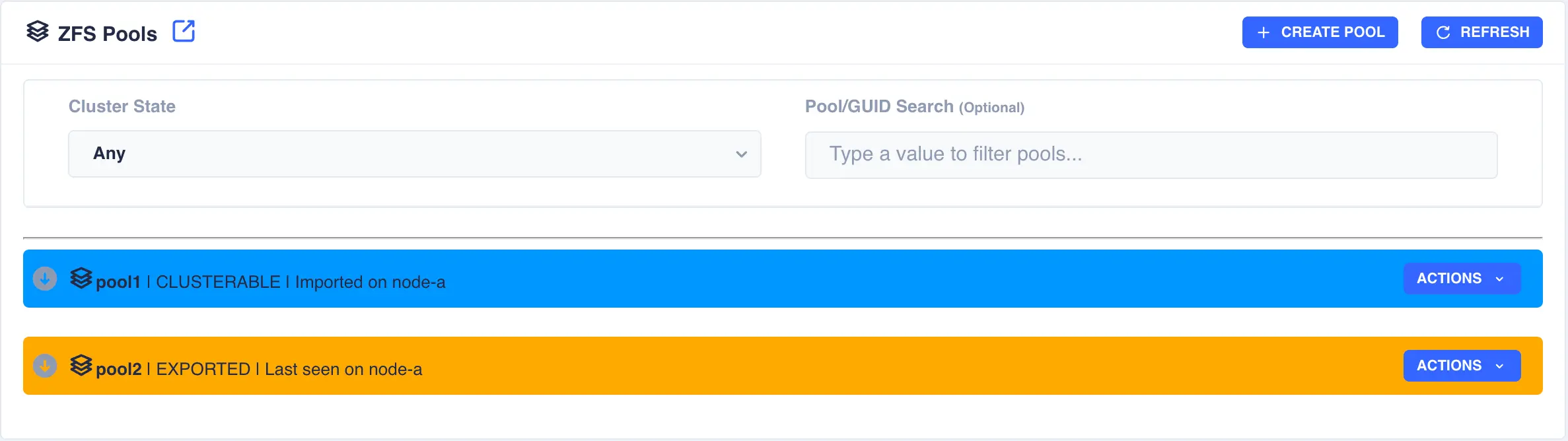
The status of the pool should change to Imported and CLUSTERABLE indicating the pool is now ready for clustering:
Unclusterable Pools
Should any issues be encountered when importing the pool it will
be marked as UNCLUSTERABLE. Check the RestAPI log
(/opt/HAC/RSF-1/log/rest-operations.log) for details on why the
import failed.
With a shared-nothingcluster, this may happen if
the pools aren't imported on both nodes.